Price Alerts
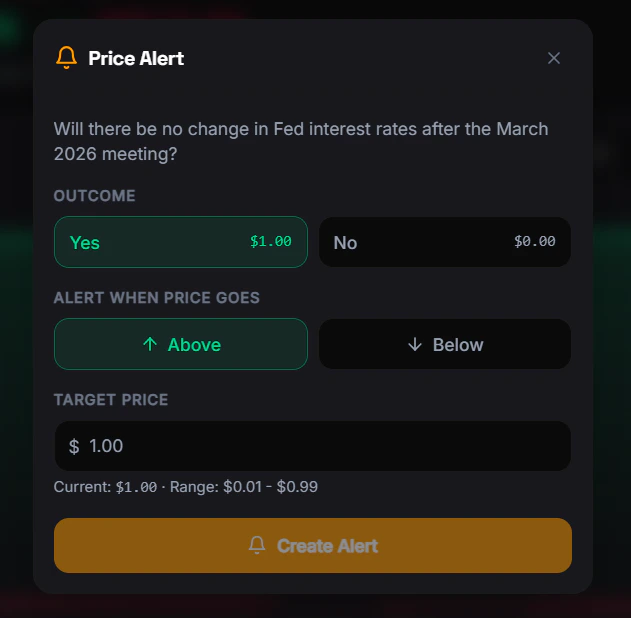
Set price alerts on any market to get notified when the probability hits your target. Never miss a trading opportunity.How to Set an Alert
- Web Push — Notification in your browser
- Telegram Alert — Message from the FrenFlow bot
Alert Rules
| Rule | Value |
|---|---|
| Max active alerts | 5 per user |
| Price range | 1¢ to 99¢ |
| Conditions | Above or below target |
| Expiration | Optional — set an expiry date or leave open |
Where Alerts Appear
- Web — Browser push notifications
- Telegram — Direct message from the bot
From Telegram
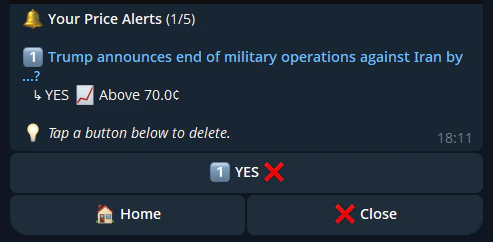
Manage price alerts directly from the bot: