
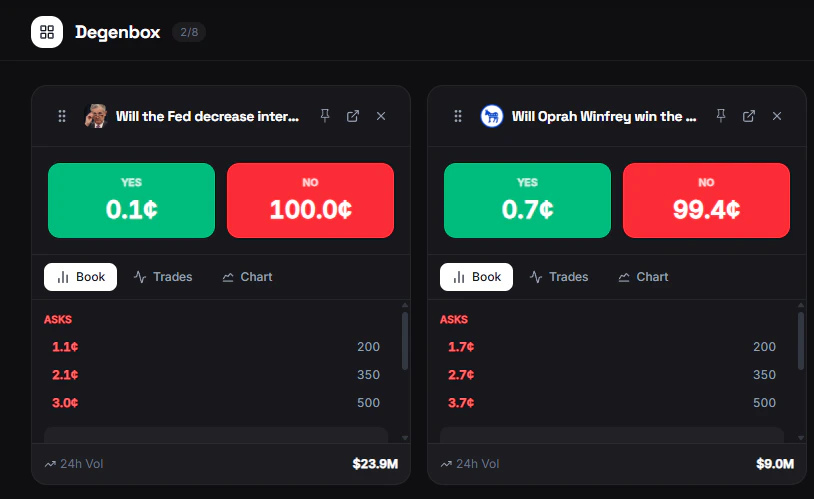
Adding Markets
Click the + button to open the search modal. You can add:- Individual markets — A specific Yes/No question (e.g., “BTC above $100K by June?”)
- Events — An entire event with multiple related markets (e.g., “2026 Presidential Election”)
View Options
Each market card has three view modes. Click the toggle to switch:| View | What it shows |
|---|---|
| Orderbook | Live bid/ask depth for the market |
| Trades | Recent trade history with price and size |
| Chart | Price chart showing historical movement |